
Projects on GitHub
I’m a major proponent of having tiny personal projects that use languages / frameworks / technologies / etc.. that you don’t use in your normal 40+ hour work week. Here’s a few that I’ve made over the years.
robertjmarlow.github.io
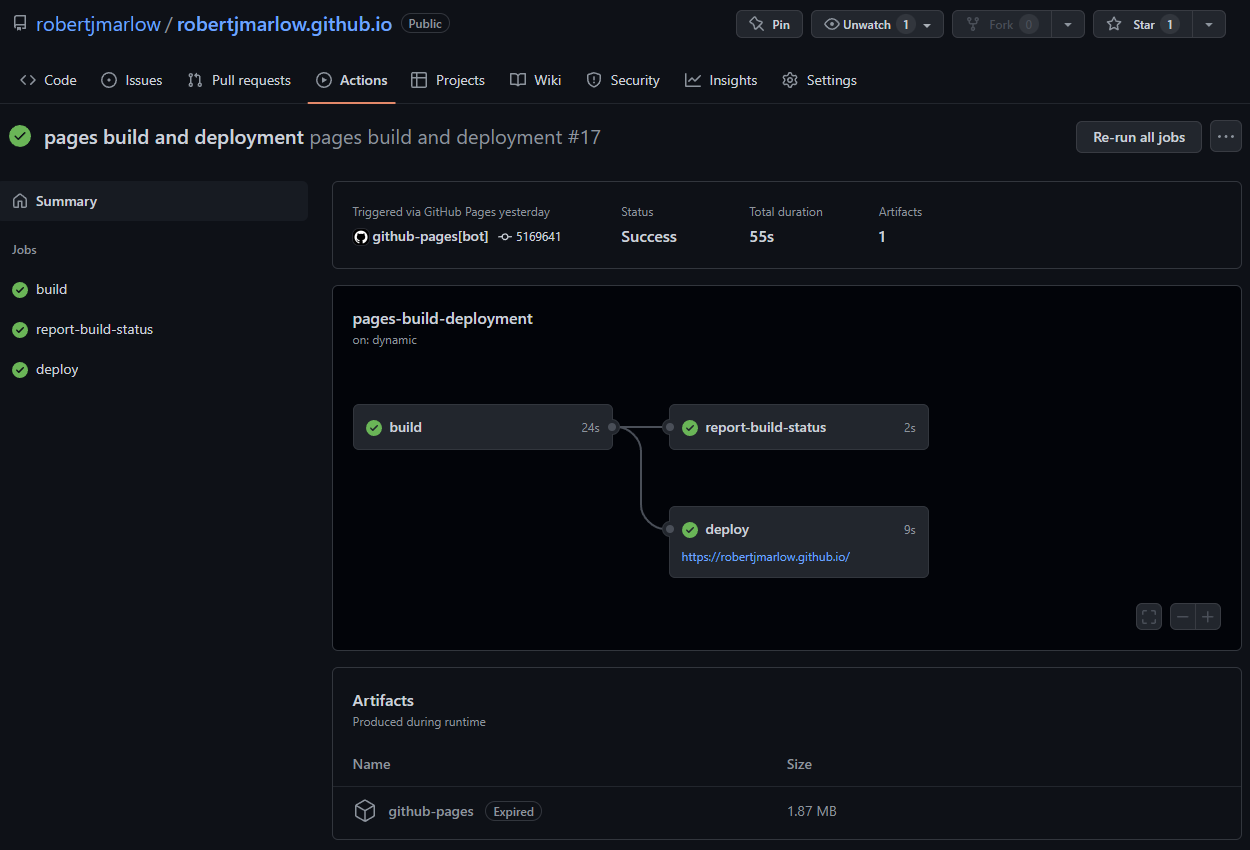
👋 Hi! You are here! GitHub Pages has made it super simple to get a website off the ground and hosted all on GitHub. The feature I like the most is the extremely fast deployment process on every git push. Here’s a screenshot below for a 55 second deployment from a commit:
Playlist Word Cloud Generator
My friends and I were playing Music League. It’s basically a song “Popularity Contest”: There’s a theme for the round (e.g. “Irish Drinking Songs” (the round took place near St. Pat’s)) and everyone submits a song that best fits the theme for the round. At the end of the round everyone votes on what they think is the song that best fits the theme for the round. Scores are accumulated over many rounds and a winner is declared after ten to twenty rounds. I won once 🥇 and got third twice 🥉🥉.
I thought it would be fun to take the generated playlists and make wordclouds out them. Here’s the results:
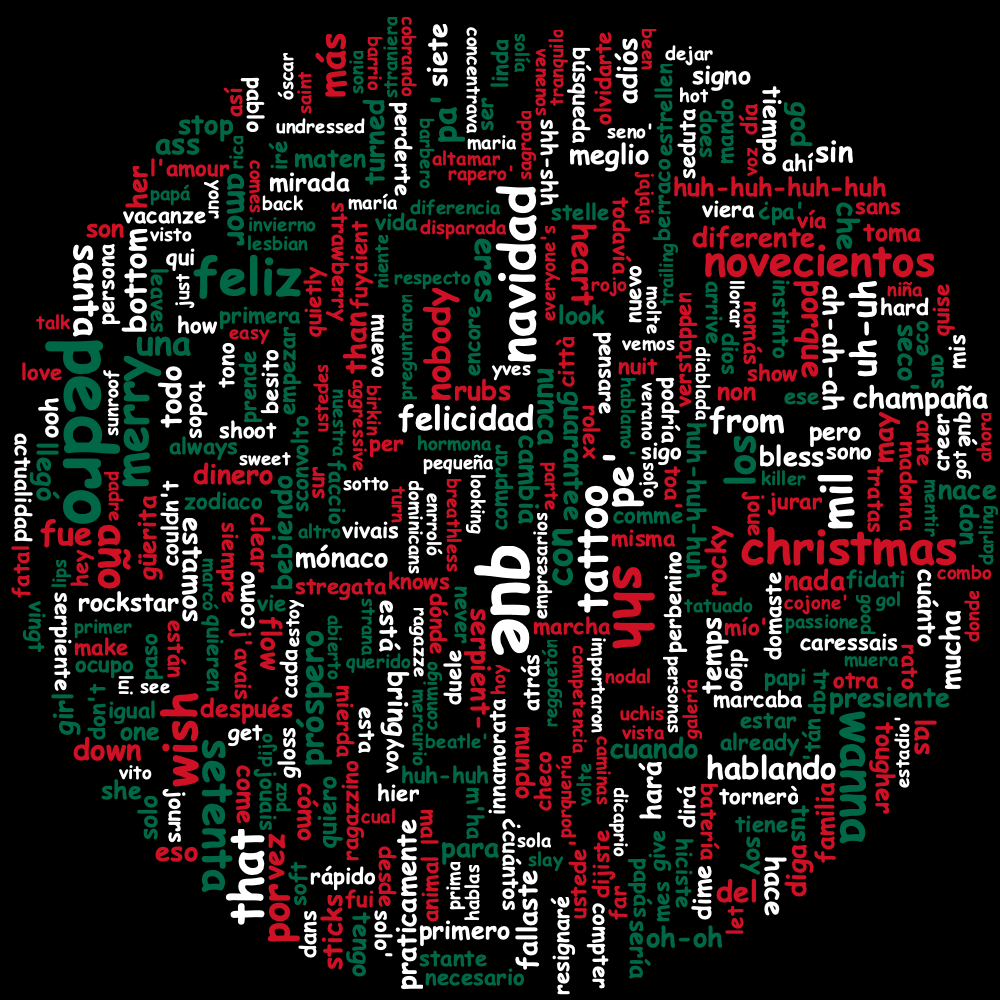
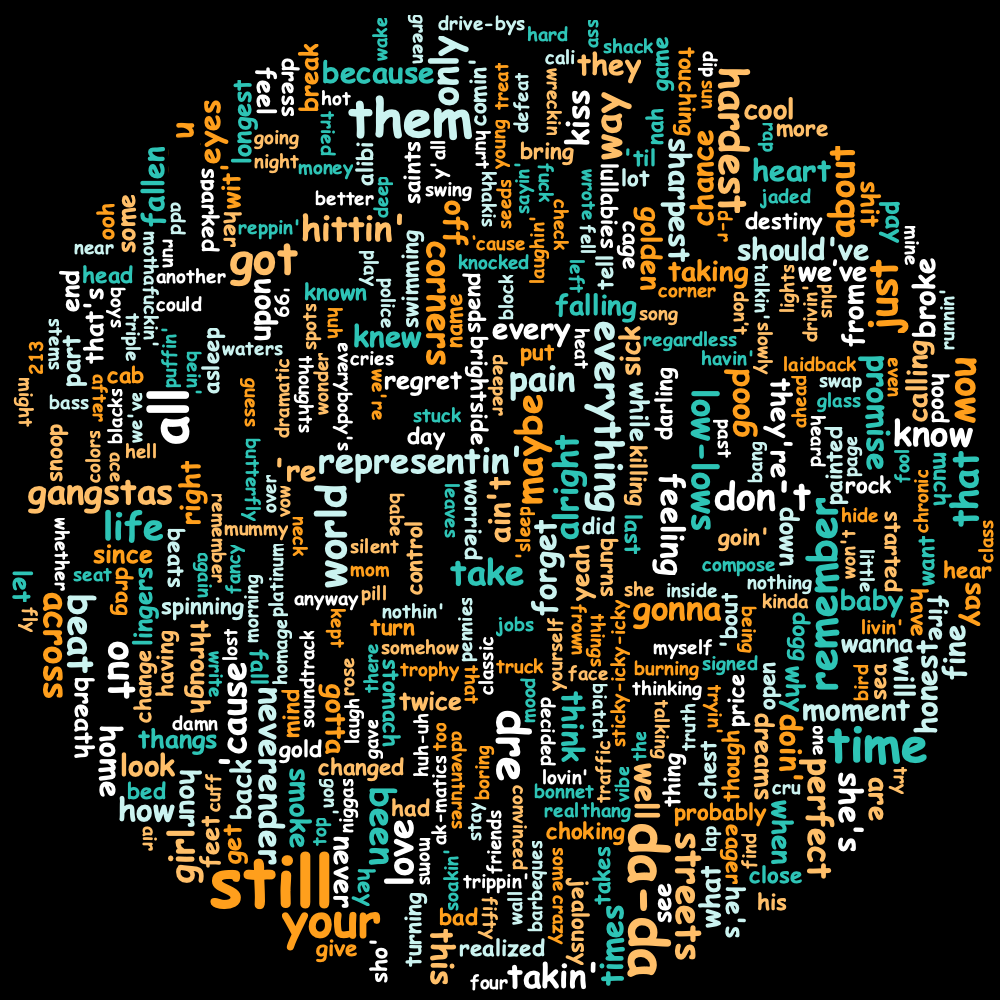
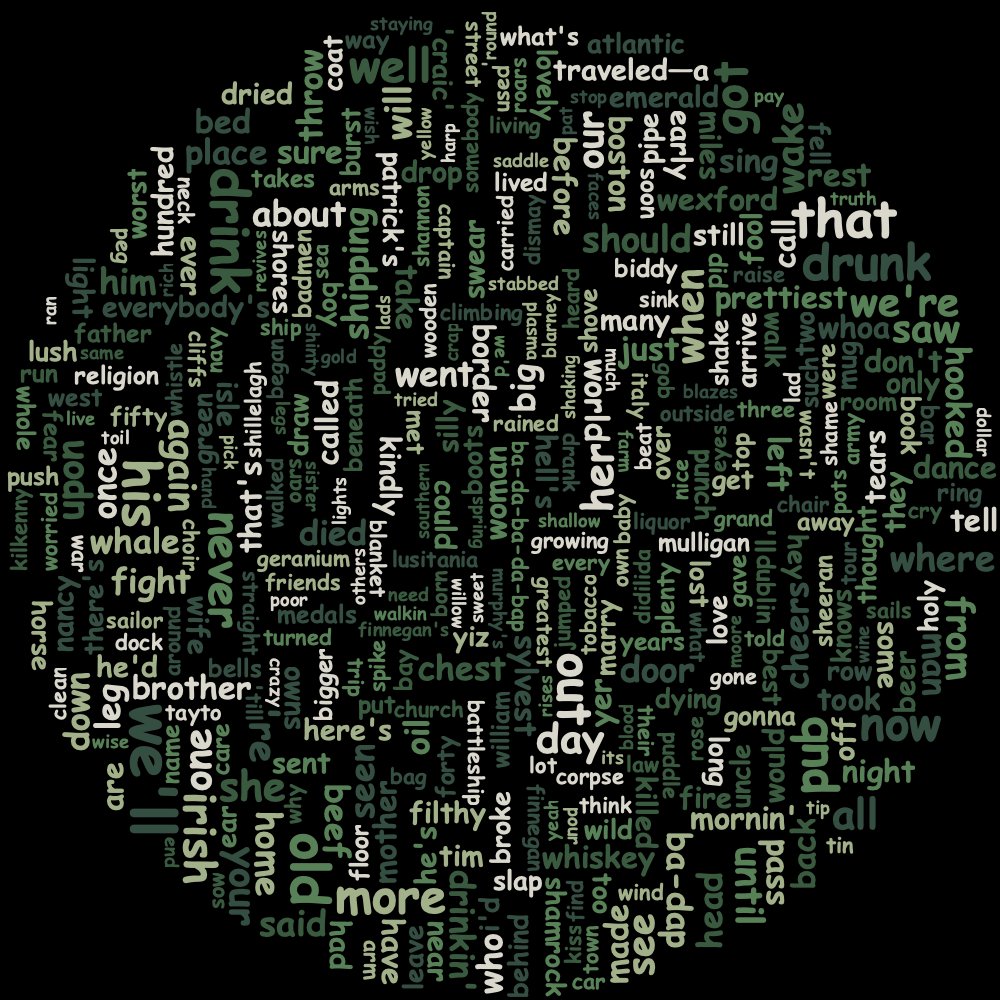
Playlists got generated on Spotify. It was pretty easy to use their API to get the list of songs. A big problem was that the lyrics APIs:
- Didn’t exist in the collection of Spotify APIs.
- Existed from MusicMatch, but wasn’t free (and that’s just not fun for a side-project).
So, I ended up using the Genius APIs (they’re free).
The next problem to solve was that there wasn’t a way to use the song ids from Spotify on Genius. I had to use the Genius “search” API for every song and, well, hope the correct song returns. A little bit of clever software workarounds were needed to get “correct” results back.
After (hopefully) getting the correct lyrics back, they were all put together in a single List, boring words were removed, and then they were all sent into kennycason/kumo wordcloud generator. Custom colors could be applied so I tried my best to stick with the theme (e.g. St. Pat’s = green; 4th of July = red, white, and blue). This is all set in the setColorPalette method in the wordcloud API.
I thought the results were neat 👍.
Three Trails Timelapse
Cerner was busy constructing a huge new campus. Before it was renamed to “Innovations Campus”, it was named “Three Trails Campus”, referencing the Santa Fe, Oregon, and California Trails that once crossed there.
The company that was constructing the fancy new campus had a webcam posted outside to view the progress which updated several times a day. I found myself clicking through entire days to watch progress but that was slow and boring. How about assembling a bunch of frames together all at once to make a timelapse?
jsoup was used to scrape the website for both images and text. Assembling together a date range of images was pretty straightforward. After getting all of the images, an artifact with the coordinates of org.jcodec:jcodec-javase was used to assemble them together into a movie.
After fiddling around with various date ranges, I was realizing that downloading these images from the construction company’s website was slow. After recognizing that these images will never change, I decided to create a cache of the images via Redis. The key for the image was the URL of the image. If that key existed, the value was retrieved from Redis; otherwise, the image was downloaded from the website and then cached to Redis.
The end result was pretty neat:
Blog Spring Boot Kotlin
I have a lot of experience with Eclipse Jersey as a JAX-RS implementation. However, I knew that Spring and Spring Boot are very very widely used throughout the industry. Spring Boot gives an opinionated set of dependencies, tooling, and environments that have been proven.
Not wanting to completely miss out, I started to go through a simple Spring Boot + Kotlin tutorial. I’ve barely used Kotlin and Gradle so there were a bunch of learning curves to go up.
After getting to the end, I started to see what else I could add. Other stuff added:
- Better unit test code coverage A few endpoints had 0% code coverage at the end of the tutorial. Jacoco got a bit confused by some of the Kotlin data classes and reported no coverage (even though they were clearly used), but I got the rest of the coverage 100%.
- Adding a code formatter Everyone loves opinionated ways to format their code, right? This uses
ktlint-gradleand is invoked from the command line via agradle ktlintFormat - Adding SpotBugs I’ve leveraged SpotBugs many times over the years to find “easy bugs”. In this case, it was less than useful–it highlighted a lot of problems in the bytecode of the Kotlin data classes which I really couldn’t do anything about.
Stuff I’d like to add:
- Make it look nicer It’s just black and white and serif fonts right now. Boring 😴
- Add thumbnails The database in use is good old H2 and I have no clue how images would be stored / retrieved on there. Moving toward a “real” database like Mongo or Redis would be fun, too.
- Deploy to cloud One of the most difficult parts of software development is deploying. Even this tiny test project would have several challenges to overcome to get it available at a public URL.
Electron Demo
Everything runs on Electron nowadays! From Slack to Teams to VSCode! You’ve got dozens of gigabytes of RAM–may as well use all of them in a ton of V8 child processes! 😅
Electron gets a lot of hate because it’s pretty much a glorified Chrome window, but it is cross-platform and it is pretty easy to write a frontend with the huge amount of JavaScript libraries out there. Sooooooo 🤷♂️ Ship It, I guess 🐿.
This app does some simple NodeJS stuff like reading the file system and getting some Operating System info–stuff that can’t be done in a normal website for numerous security concerns. It’s pretty basic.